

What Makes a Computer a Good Purchase Versus a Waste of Money?
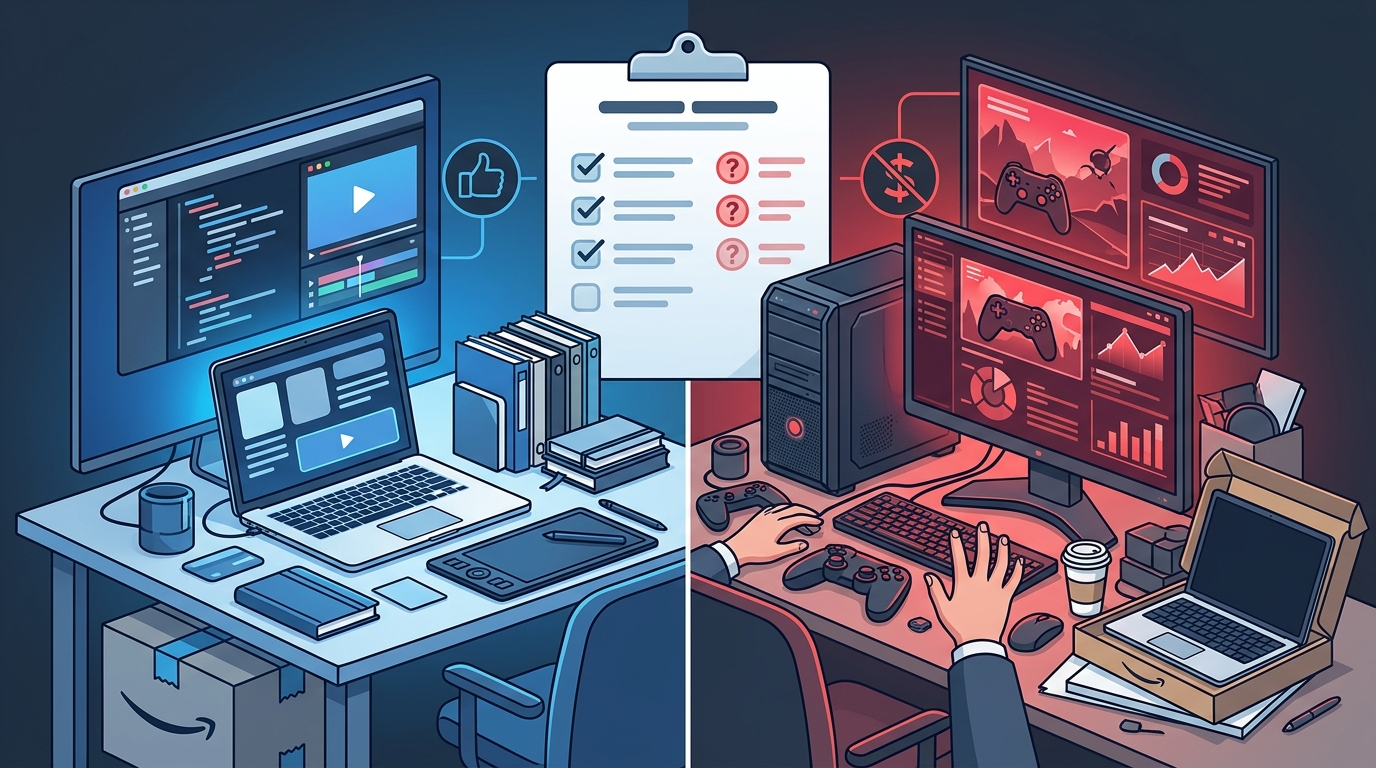
Amazon offers a vast selection of computers, but not every purchase delivers lasting value. A good computer purchase aligns with your specific workflow, budget, and longevity needs, while a waste of money occurs when specs are mismatched to your actual tasks. This guide helps you distinguish between smart investments and costly mistakes when shopping for electronics on Amazon.
Aligning Specs with Your Actual Workload
The most common reason a computer becomes a waste of money is a mismatch between hardware capabilities and user intent. A high-end gaming rig is a poor investment for a student who only needs to browse the web and write papers. Conversely, a basic office laptop will frustrate a video editor within months. Spec alignment is the process of matching technical components to your primary use cases. For example, a user who plays modern AAA titles needs a dedicated graphics card, such as an NVIDIA GeForce RTX 4060, while a remote worker primarily needs a reliable processor and sufficient RAM for multitasking. Amazon’s product pages clearly list these specifications, allowing you to verify that the hardware meets your minimum requirements before buying.
Prioritizing Longevity and Upgradability
Computers are significant financial commitments, and their value degrades over time. A good purchase is one that remains functional and relevant for three to five years. Upgradability is the ability to replace or enhance internal components, such as memory or storage, to extend a device's life. Many modern laptops have soldered RAM, which limits future upgrades and can render a device obsolete quickly. In contrast, desktop towers often allow for easy component swaps. When browsing pre-built systems, check if the RAM and storage are user-replaceable. This flexibility ensures that your investment remains useful as software demands increase over time.
Evaluating Total Cost of Ownership
The sticker price is only part of the equation. Total cost of ownership is the sum of the purchase price, necessary accessories, software licenses, and potential repair costs. A cheap computer that lacks a webcam or requires a separate monitor and keyboard may cost more in the long run than a slightly more expensive all-in-one unit. Additionally, consider the warranty and support options. Amazon often provides extended warranty options for electronics, which can mitigate the risk of unexpected repair bills. By calculating the full cost of entry, you avoid the trap of buying a low-cost device that requires immediate additional spending to become functional.
Assessing Reliability and Brand Support
Brand reputation and support infrastructure play a critical role in determining whether a computer is a good purchase. Established manufacturers often provide better driver support, firmware updates, and customer service channels. A waste of money often stems from buying from obscure brands with poor after-sales support. When a device fails, the lack of a reliable repair network can leave you without a functional computer for weeks. Amazon’s review system provides valuable insights into long-term reliability, as customers often report issues that arise after the initial honeymoon period. Reading detailed reviews helps you identify common failure points and assess the manufacturer’s responsiveness to customer complaints.
Avoiding Common Purchase Traps
Several red flags indicate that a computer purchase may be a waste of money. One common trap is buying a device with insufficient storage for your needs. A 256GB solid-state drive may fill up quickly with just a few large applications and files. Another trap is ignoring the operating system license. Some budget computers come with trial versions of operating systems, requiring you to purchase a full license later. Additionally, be wary of devices with poor battery life if you plan to use them on the go. Amazon’s product descriptions and customer questions sections often highlight these limitations, allowing you to make an informed decision before adding an item to your cart.
Key Takeaways
- Match hardware specifications to your primary tasks to avoid overpaying for unused features.
- Prioritize upgradability to extend the useful life of your computer and protect your investment.
- Calculate the total cost of ownership, including accessories and software, to understand the true expense.
- Choose brands with strong support networks to ensure reliable repairs and updates.
- Read long-term customer reviews to identify potential reliability issues and common failure points.
- Verify storage capacity and operating system licenses to avoid immediate additional costs.
Frequently Asked Questions
What is the most important spec for a general-purpose computer?
For general use, the processor (CPU) and random access memory (RAM) are the most critical components. A modern mid-range CPU with 16GB of RAM provides a smooth experience for web browsing, office applications, and media consumption.
Is a desktop or laptop better for long-term value?
Desktops generally offer better long-term value due to higher upgradability and better cooling systems. Laptops provide portability but often have limited upgrade options, which can shorten their useful life.
How much RAM do I need for a good computer purchase?
16GB of RAM is the recommended minimum for a good computer purchase in 2026. This amount supports multitasking and modern applications without significant performance degradation.
Does buying from Amazon guarantee a good computer?
Amazon provides a wide selection and reliable shipping, but the quality of the computer depends on the specific model and brand. You must still evaluate the specs and reviews to ensure the device meets your needs.
What is a solid-state drive (SSD) and why is it important?
A solid-state drive is a type of storage device that uses flash memory to store data. It is significantly faster than traditional hard drives, leading to quicker boot times and application loading, which enhances the overall user experience.
How can I tell if a computer is overpriced?
Compare the price of the computer with similar models from other brands. If a device costs significantly more than competitors with similar specs, it may be overpriced. Use Amazon’s price history tools to check if the current price is a fair deal.
Conclusion
Distinguishing a good computer purchase from a waste of money requires careful evaluation of specs, longevity, and total cost. By aligning hardware with your actual workload and prioritizing upgradability, you can ensure that your investment remains valuable for years. Amazon provides the tools and selection you need to make an informed decision, from detailed product pages to extensive customer reviews. Take the time to research and compare options before you buy, and you will avoid the common pitfalls that lead to costly mistakes. Learn more: https www amazon com.